Everything you copied.
In every app.

Tap a clip to copy it, or paste it straight from the KlipLoft keyboard in Messages, Mail and Notes.

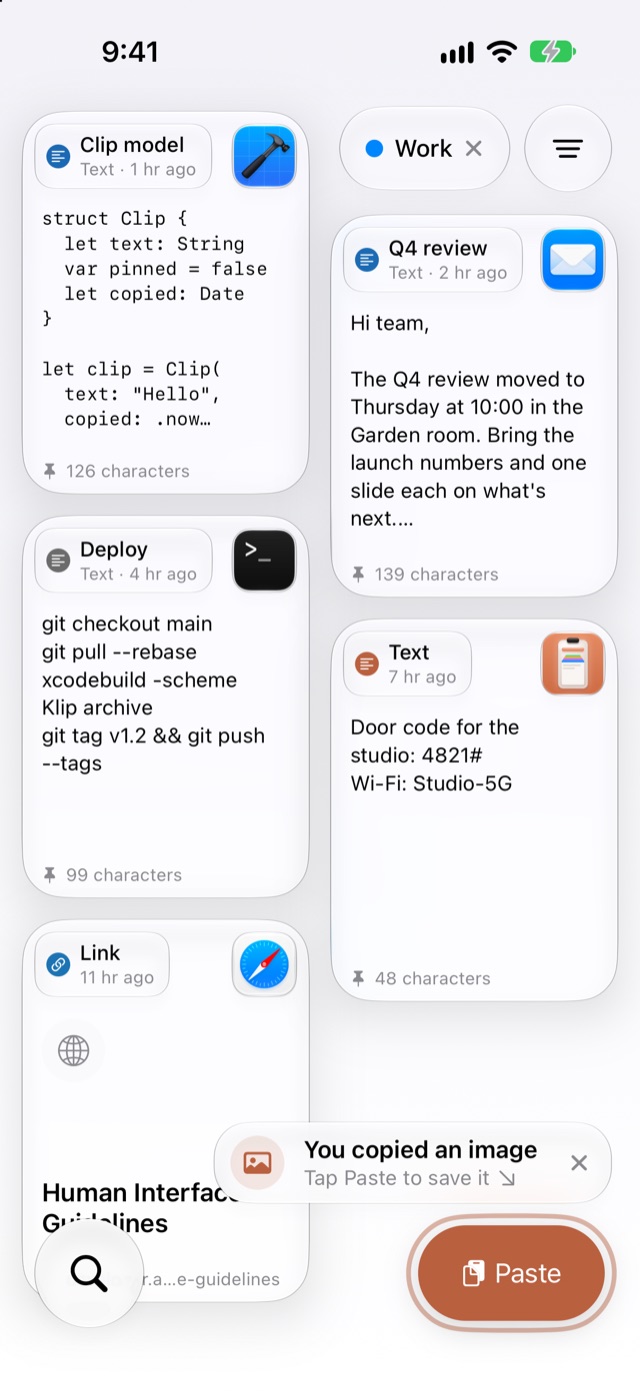
The Work pinboard on iPhone: Swift code from Xcode, a Q4 review email, deploy commands from Terminal and a door code
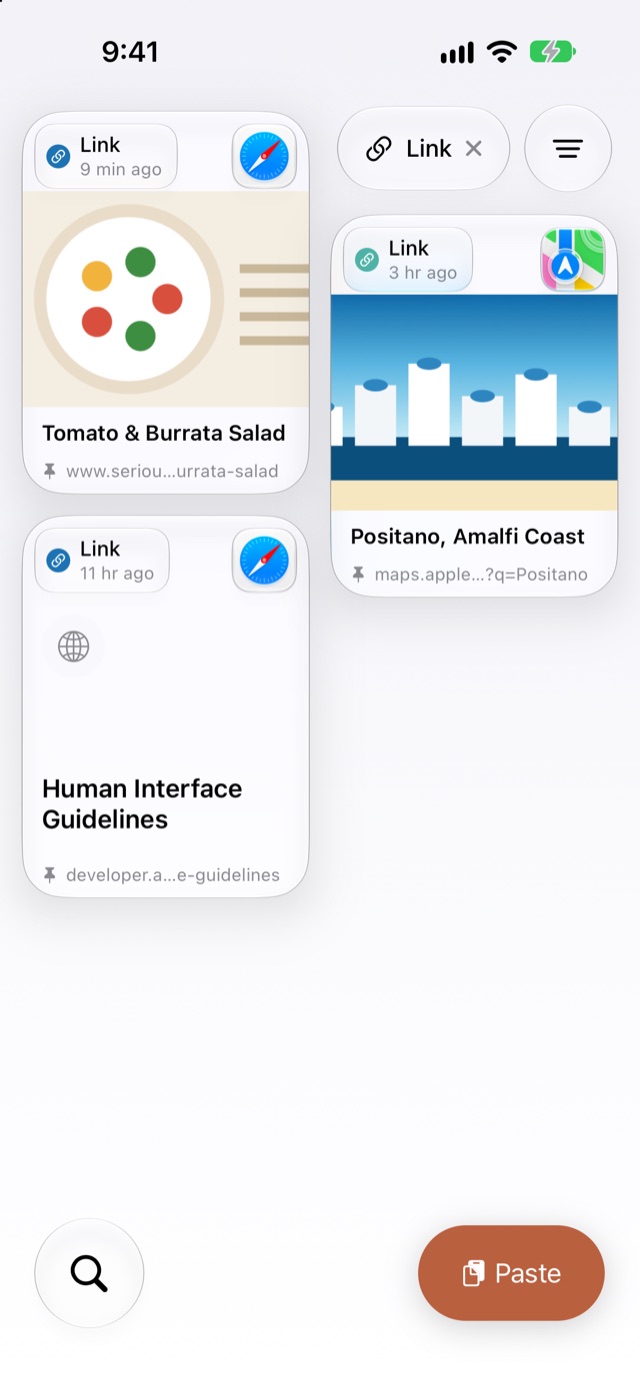
The Link filter on iPhone: a burrata salad recipe, Positano on Apple Maps and Apple's Human Interface Guidelines
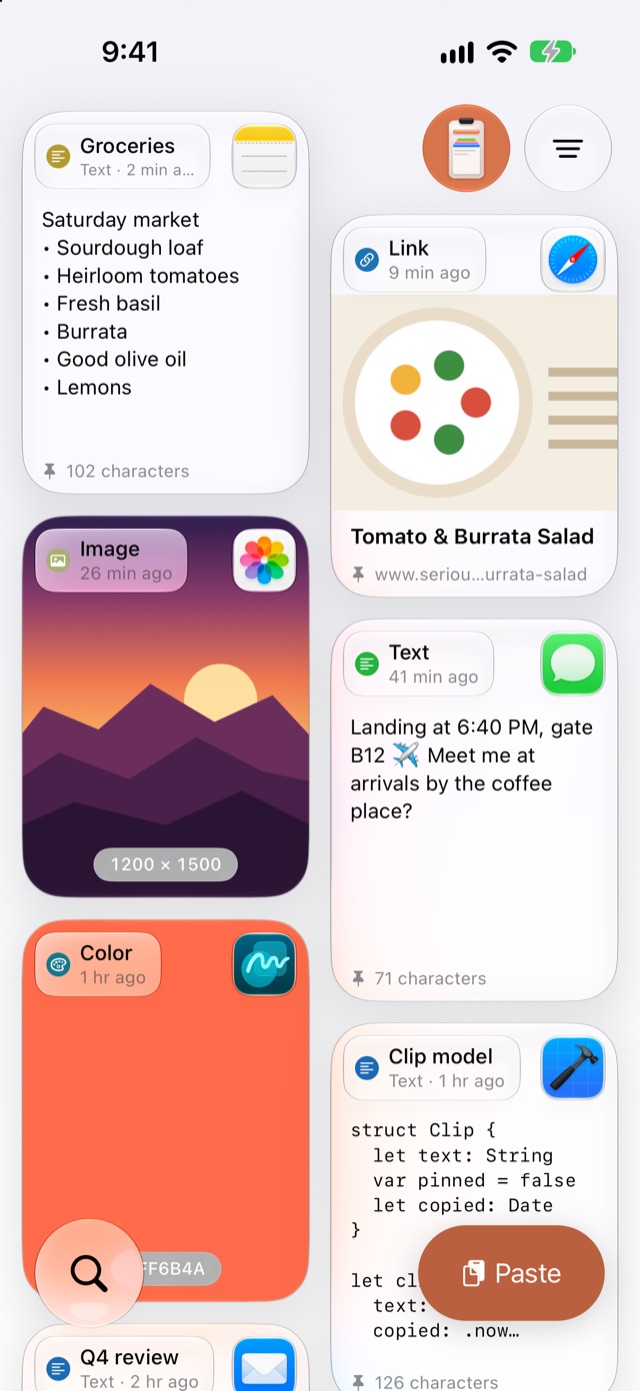
KlipLoft on iPhone with glass cards: a grocery list from Notes, a salad recipe link, a sunset photo, a text message, a color and Swift code
Paste

Tap Paste to save what you copied. Tap any card to copy it again.

KlipLoft app icon

Save it once.
Paste it anywhere.

A free clipboard manager for iPhone and iPad. Save text, links, images and colors, sort them into pinboards, and paste in any app with the KlipLoft keyboard. No Mac needed.

Coming soon to the App Store Join our TestFlight Also on Mac

Free · iOS 26 and iPadOS 26 or later · iPhone Duo supported · No account needed · Optional sync with your iPad and Mac through iCloud

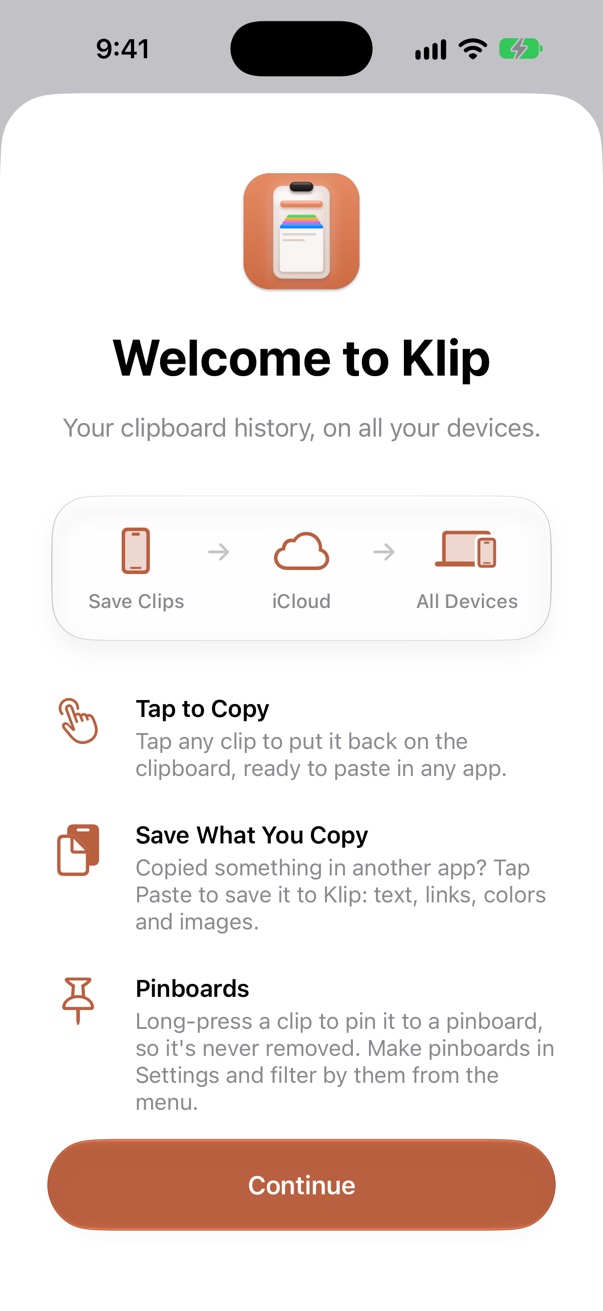
KlipLoft’s welcome screen with the new app icon: Save Clips, iCloud, All Devices, then Tap to Copy, Save What You Copy and Pinboards

Welcome

Your clipboard, with a memory.

Save what you copy with one tap, and it's there whenever you need it again. KlipLoft works on its own; if you also use KlipLoft for Mac, turn on iCloud and your Mac's clips show up here too.

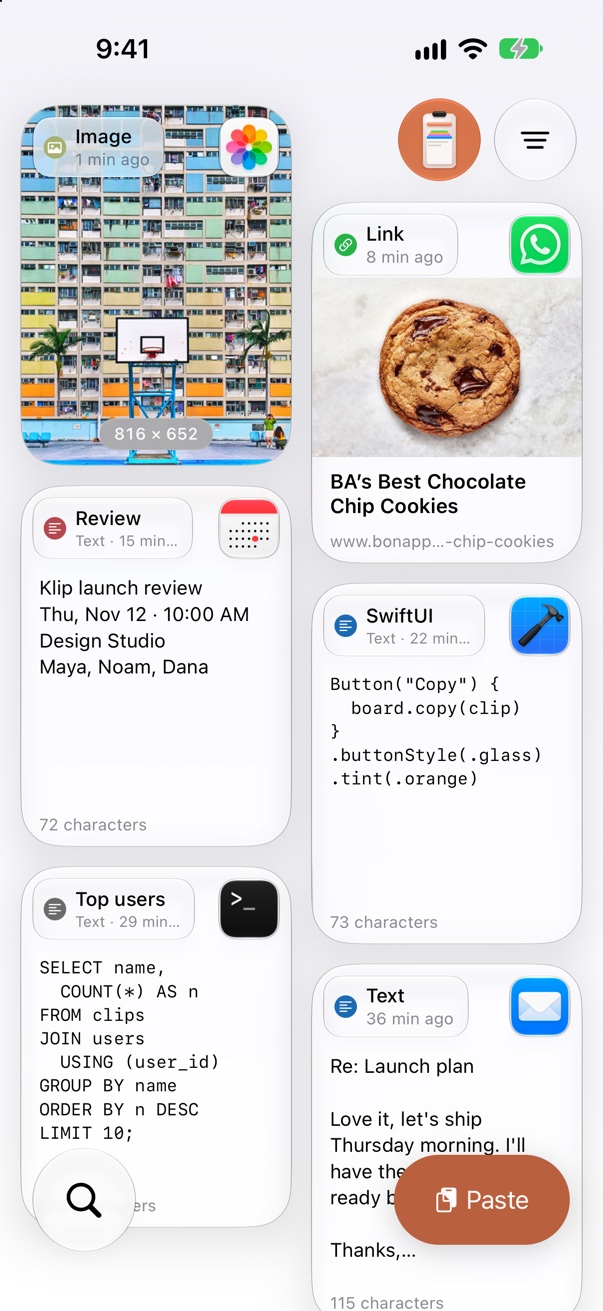
KlipLoft on iPhone: glass cards in a two-column grid, with a photo, a recipe link from WhatsApp, a Calendar event, SwiftUI code from Xcode, a SQL query from Terminal and a Mail reply

Your clips

Everything you saved, one tap away.

Text, links, images and colors as cards, newest first. Tap a card to copy it, or open it to see all of it.

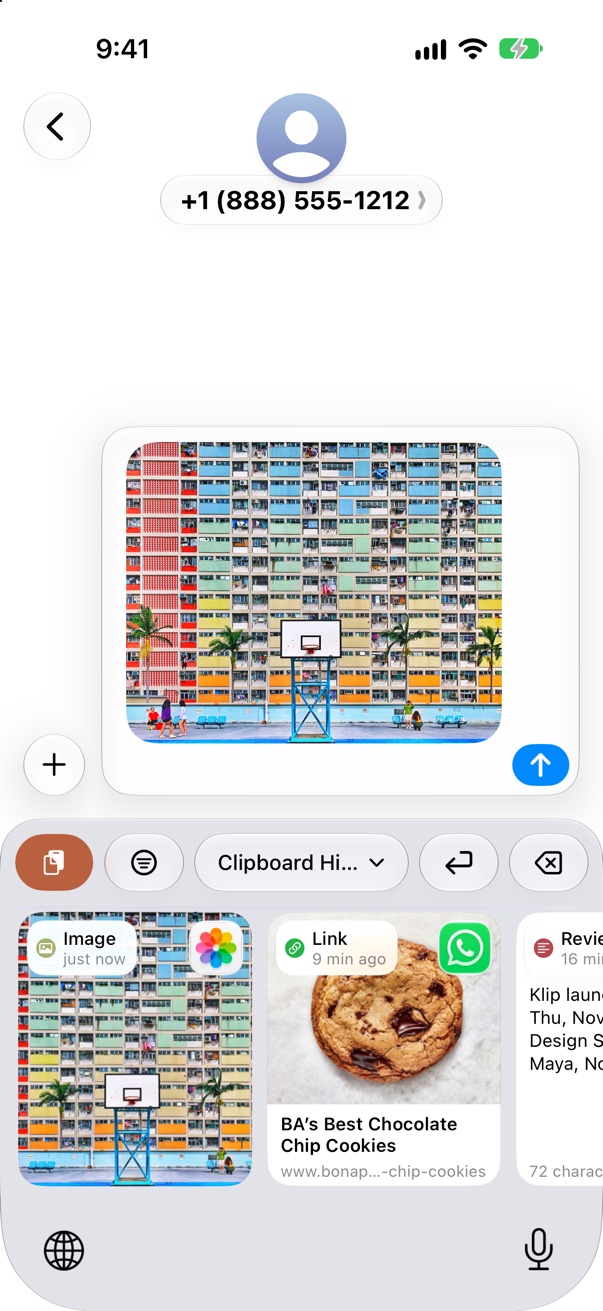
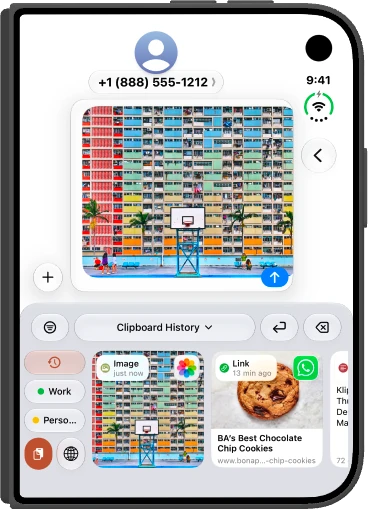
The KlipLoft keyboard in Messages, with glass clip cards: a photo just pasted into the message, a recipe link from WhatsApp and a Calendar event

KlipLoft keyboard

Paste clips in any app.

Switch to the KlipLoft keyboard in Messages, Mail or Notes. Tap a clip to type it, or pick a pinboard from the bar. Set it up in a minute.

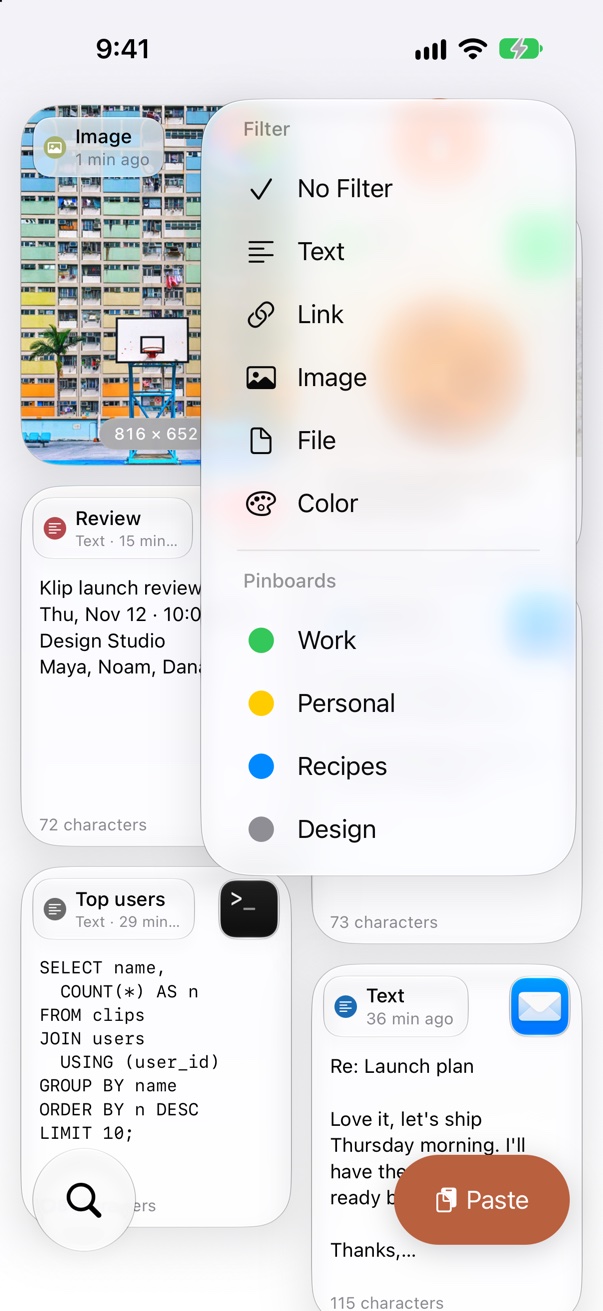
KlipLoft on iPhone with the filter menu open over glass cards: No Filter, Text, Link, Image, File and Color, and the pinboards Work, Personal, Recipes and Design

Filter and pinboards

Find it in a second.

Show only text, links, images, files or colors, jump to one of your pinboards, or search by text, title or keywords.

A complete clipboard manager, on its own.

KlipLoft for iPhone and iPad has everything you need without another device. Turn on iCloud and it stays in step across your iPhone, iPad and Mac.

⌨︎

KlipLoft keyboard

Switch to the KlipLoft keyboard in Messages, Mail, Notes, or any app. Tap a clip to paste it, or open pinboards from the bar above the keys.

☝︎

Tap to copy

Tap any clip to put it back on the clipboard, ready to paste in any app.

⇪

Save from the clipboard

The paste button saves what's on your clipboard (text, links, images or colors) in one tap. KlipLoft never reads it on its own.

📌

Pinboards

Make pinboards for work, travel or snippets and give each a color. Long-press a clip to pin it, or to unpin it.

⌕

Search

Find any clip by its text, title or keywords.

◫

Big previews

Open a clip to see all of it: full text, images and link previews.

☁︎

Private to your iCloud

Clips stay on your device. Turn on sync and they travel between your iPhone, iPad and Mac through your own iCloud account. There are no KlipLoft servers, and your data is never sold or shared.

⌘

Even better with a Mac

Already use KlipLoft for Mac? Everything you copy there shows up here too, with the icon of the app it came from.
Made for iPhone Duo.

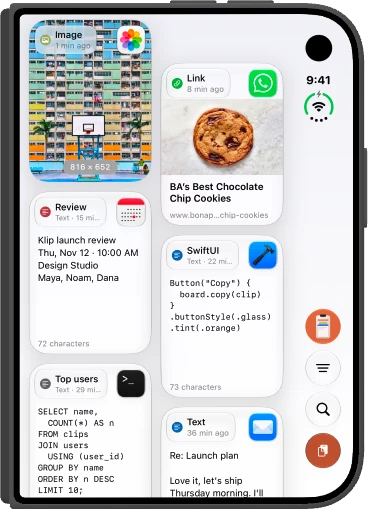
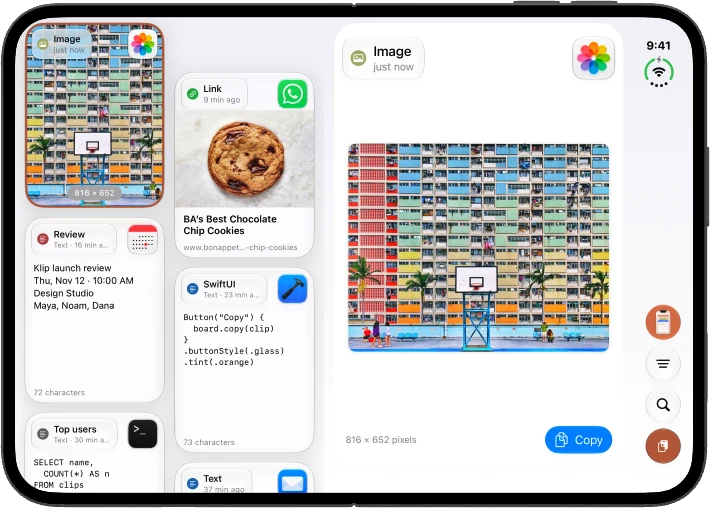
Folded, KlipLoft works like it does on any iPhone. Open it, and your clips sit on the left with the full clip beside them. The controls move to a column on the side, so your clips get the whole screen.

KlipLoft App

KlipLoft on the folded iPhone Duo cover display: glass cards in two columns, with the controls in a side column
Folded
KlipLoft on the open iPhone Duo with glass cards: the hero clips on the left, the selected photo shown in full on the right with a Copy button
Open

KlipLoft Keyboard

The KlipLoft keyboard in Messages on the folded iPhone Duo, with a photo just pasted into the message
Folded
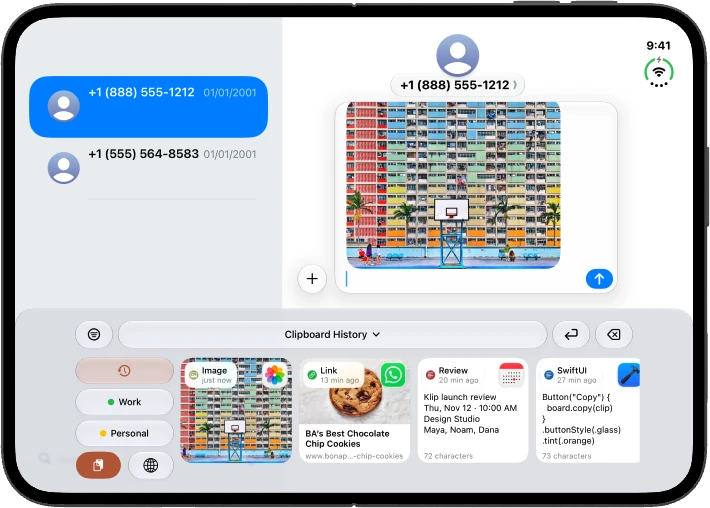
The KlipLoft keyboard in Messages on the open iPhone Duo: History, Work and Personal shortcuts beside a strip of glass clip cards
Open

The KlipLoft keyboard fits both displays. On the open iPhone Duo, it shows a whole row of clips.