
One shortcut.
Everything you copied.
Free clipboard history for Mac, iPhone and iPad.
brew install --cask ronier83/tap/kliploftFree · 1,000+ downloads in the first week · Signed by Apple · No permissions needed
KlipLoft's glass clip cards in a row, like its drawer: a color, a photo, a Calendar event, a cookie recipe link from WhatsApp, SwiftUI code, a SQL query and a Mail reply. The recipe link is selected.





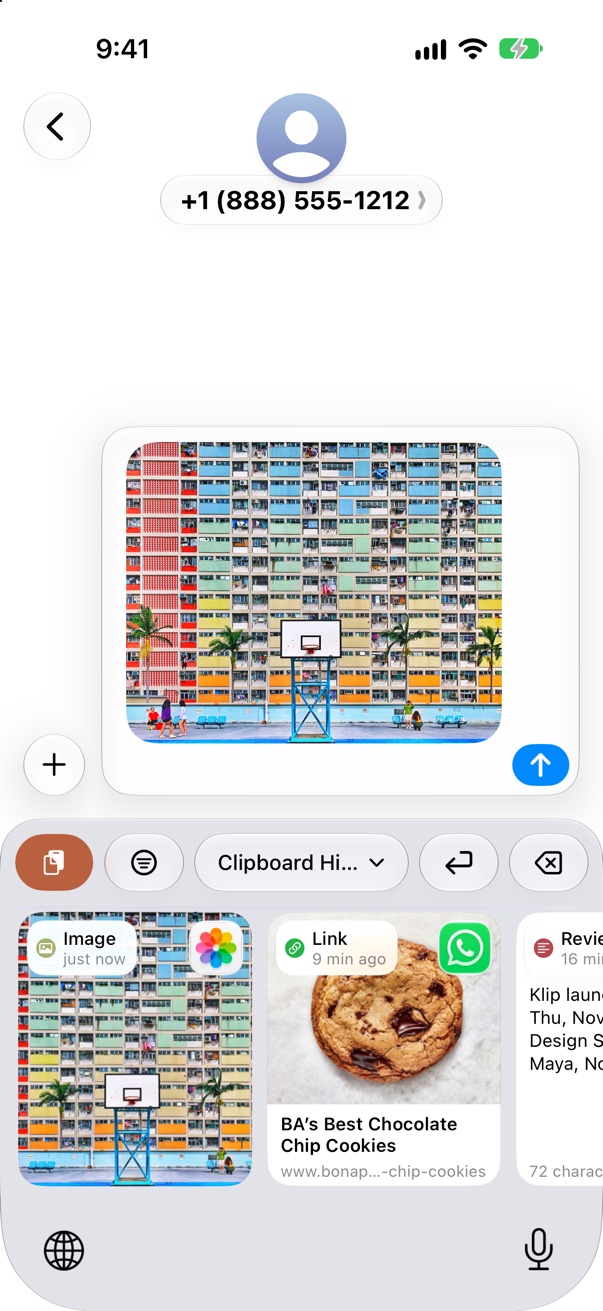
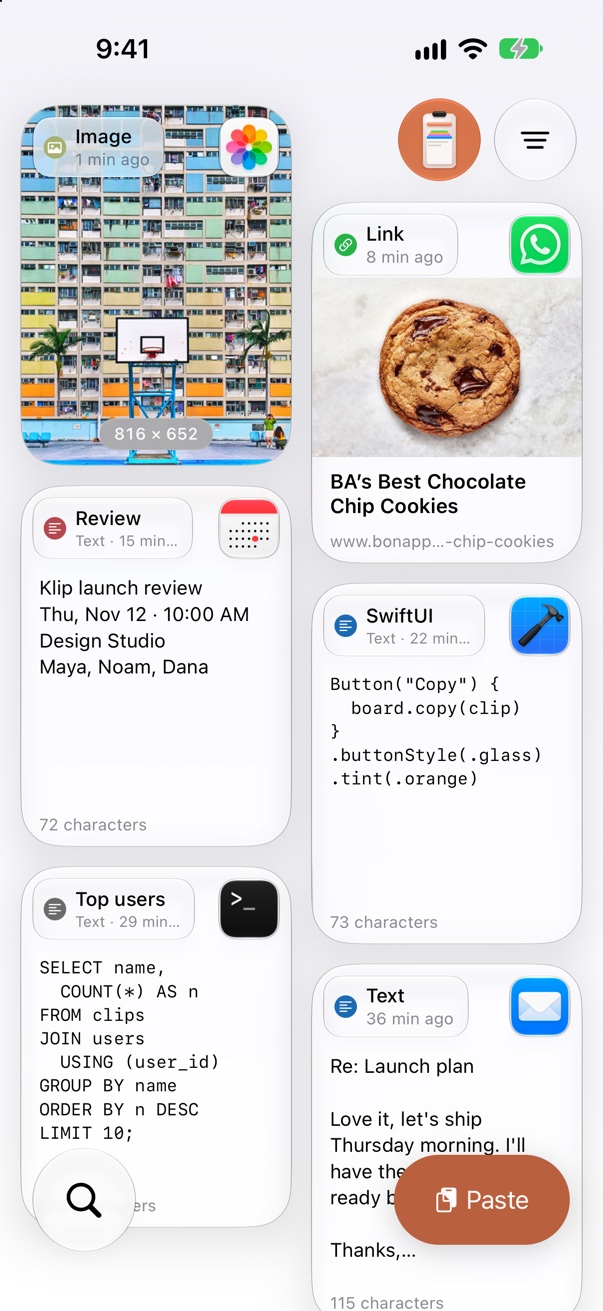
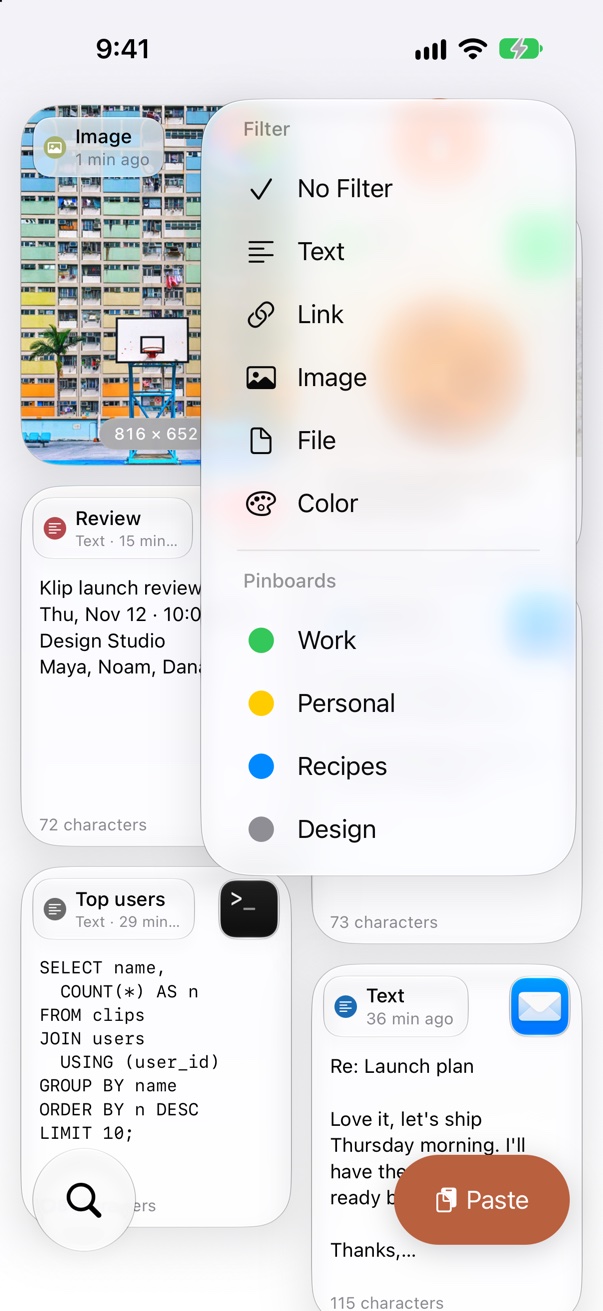
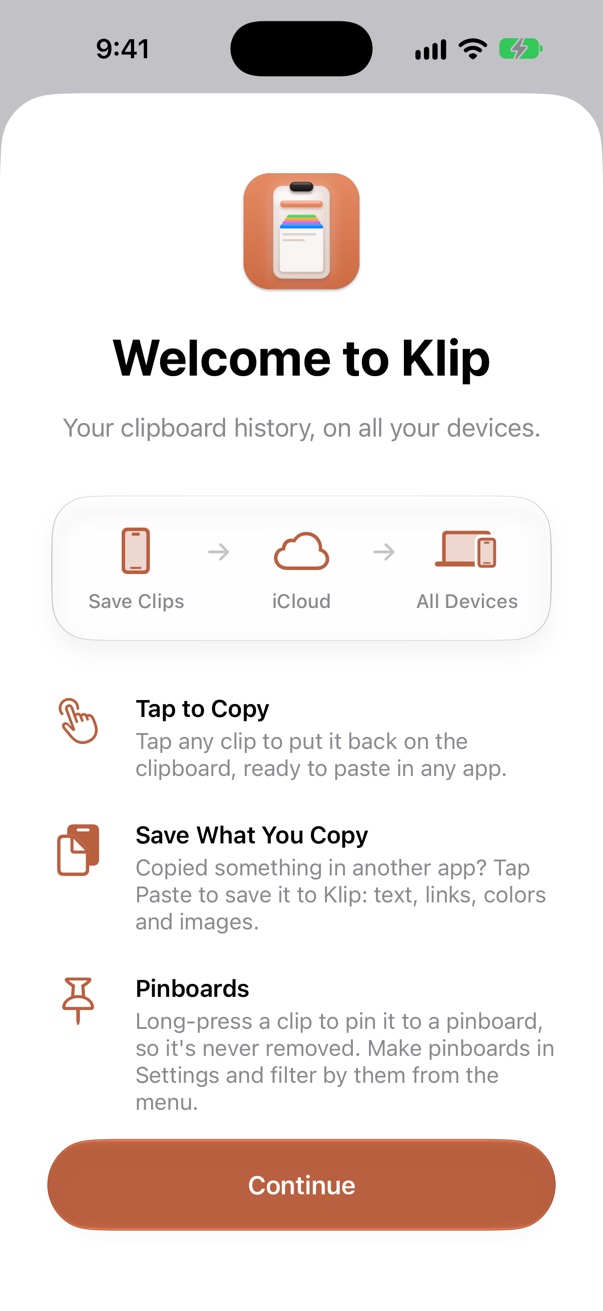

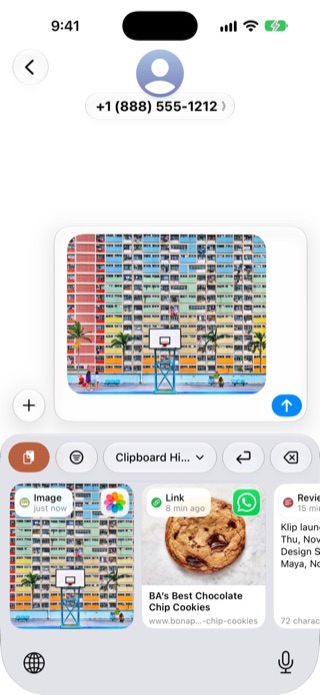
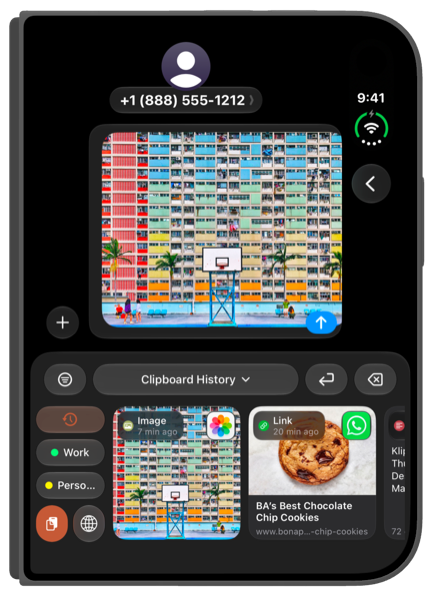
Copy on your Mac, paste on your iPhone. Filter by app and by type. Paste from the KlipLoft keyboard on iPhone. Press ⇧⌘V, or click KlipLoft in the menu bar. Your latest clips, a click away.



Enjoying KlipLoft? Rate it on MacUpdate, upvote it on Product Hunt, and leave a comment. I read every one.
Your Mac clipboard, with a memory.
Copy as usual. This free clipboard manager keeps a visual history of every clip and pastes it straight back into the app you're using.
Instant paste
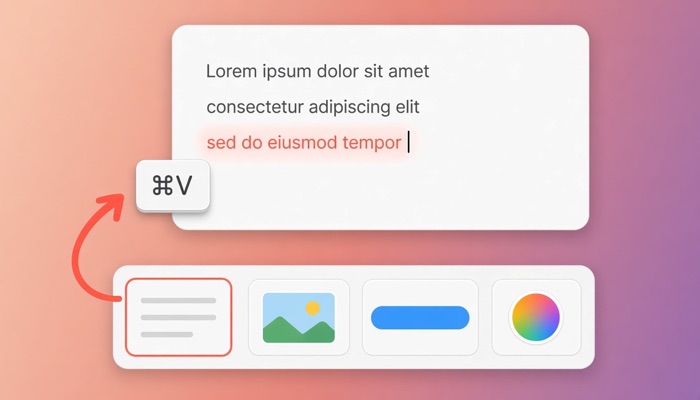
Pick a clip and press Return. KlipLoft pastes it right where your cursor is. Hold ⇧ to paste as plain text.
Sizes for every screen
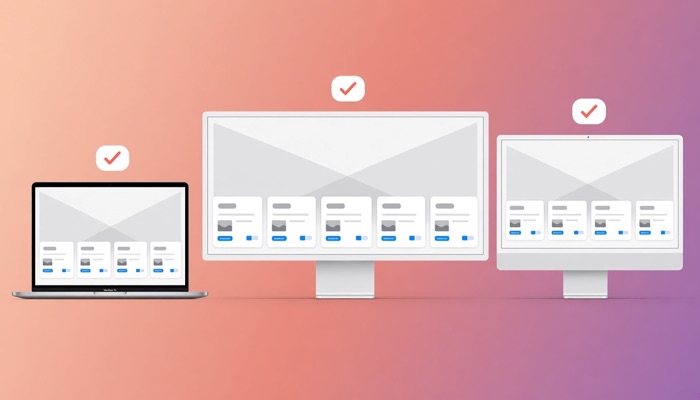
The feature you didn’t know you needed: KlipLoft remembers the right card and font size for every screen you use, and switches the moment it opens there.
Screenshots, ready to paste
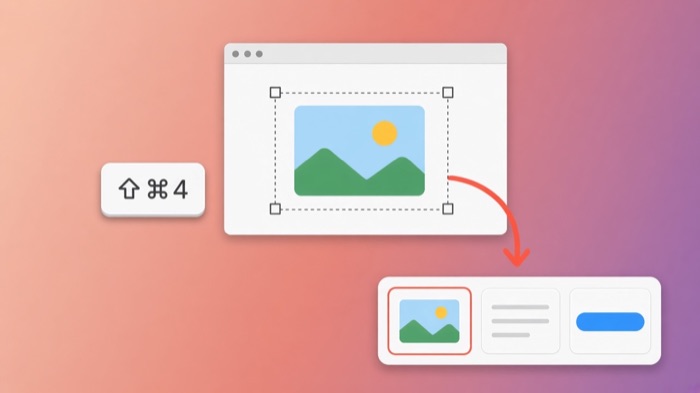
Turn it on in Settings, and every screenshot you take with ⇧⌘3, ⇧⌘4 or ⇧⌘5 goes straight to your clipboard and history, and is still saved as a file.
Every kind of clip
Text, rich text, links with page previews, images, files and hex colors, each shown the way it looks.
Pinboards
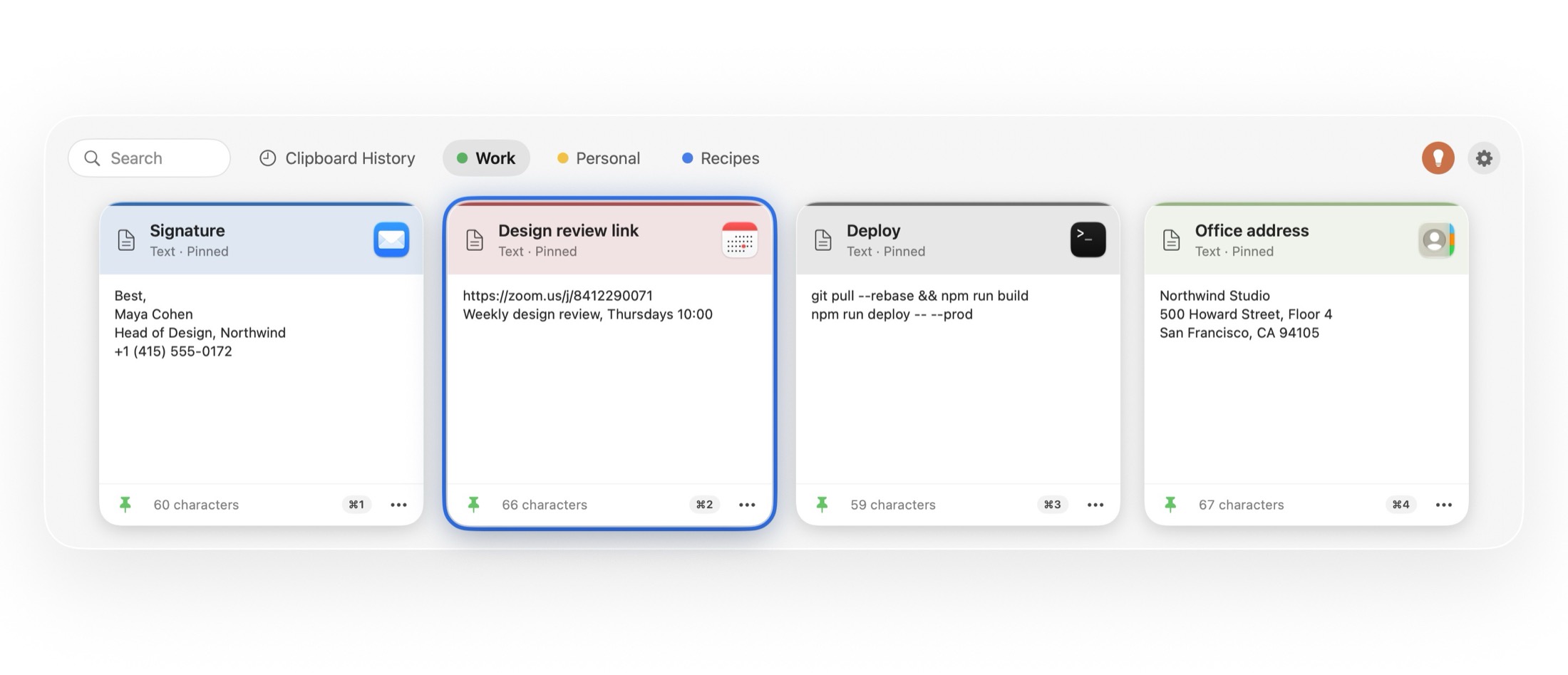
Pin the things you reuse, like signatures, addresses and code snippets, onto colored boards that never expire.
Search & filter
Just start typing. Narrow results by clip type or by the app you copied from.
Keywords
Tag a clip with your own words, like “wifi” or “invoice”, and find it in a second by typing one. Keywords stay hidden from the card and sync with the clip.
iCloud sync
Your history and pinboards follow you across your Macs through your private iCloud account.
Preview & edit
Press Space for a big preview, or turn on press and hold in Settings: hold a card for a second to preview it, and let go to close. Edit text clips, rename them, or add keywords to find them later.
Import from Paste or Maccy
Coming from Paste or Maccy? Bring your history and pinboards over in one click. They’re never touched.
Powered by MCP
Ask Claude or Cursor to read your pinboards, or to build new ones for you. You choose what each AI app can see.
Customizable
Resize the cards with a slider, pick from six card styles, Classic, Glass, Header, Rainbow, Sticky and Marker, and give pinned clips their own emoji icon.
Make it look like yours.
Nine card styles. Same clips, your look.
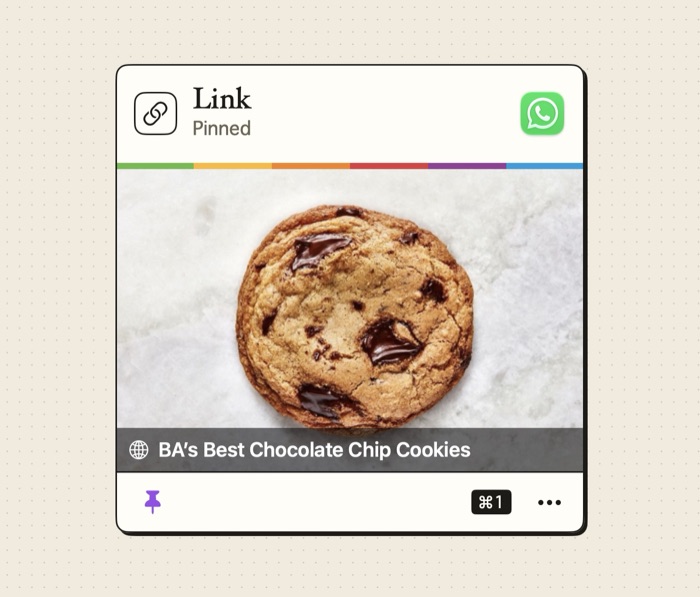
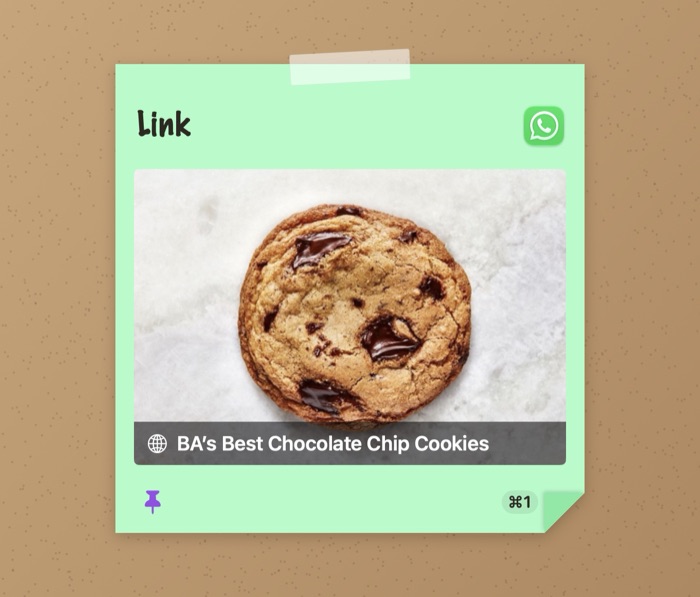
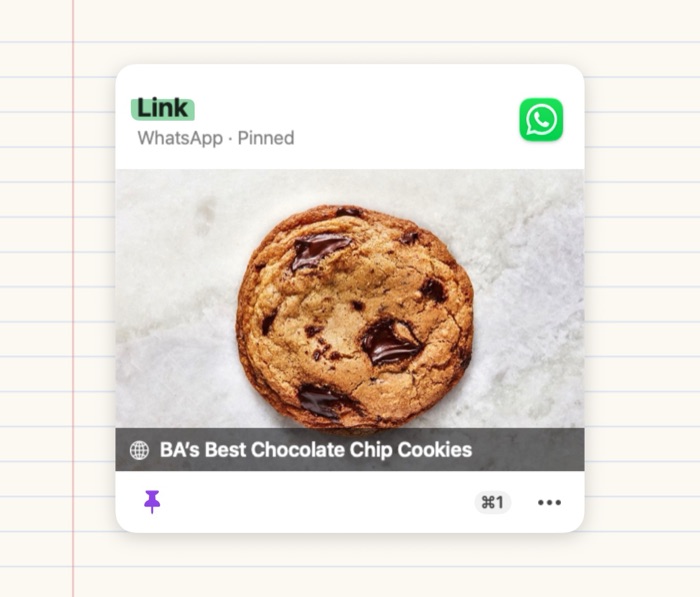
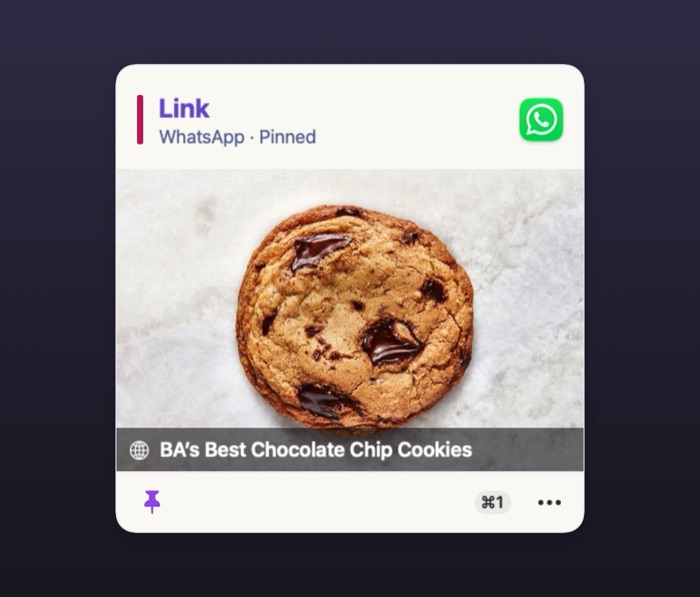
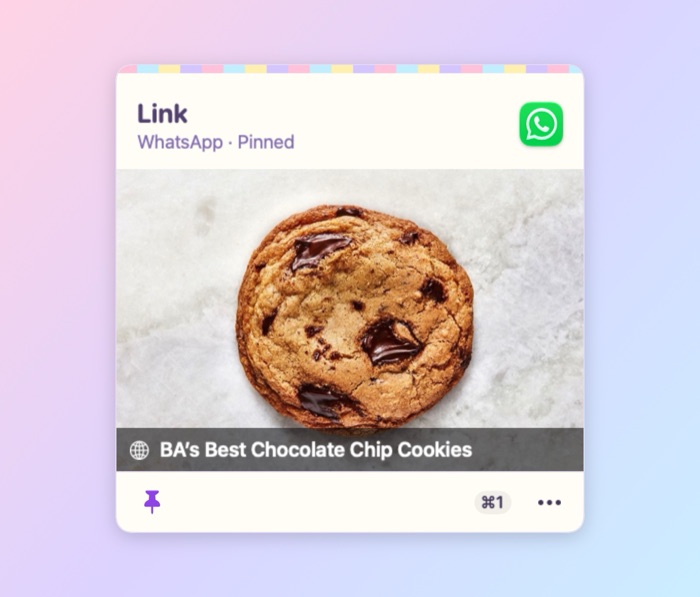
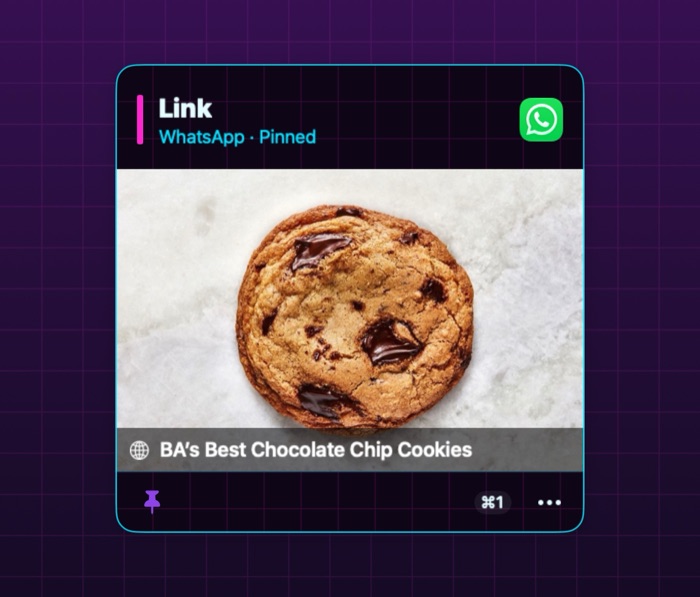
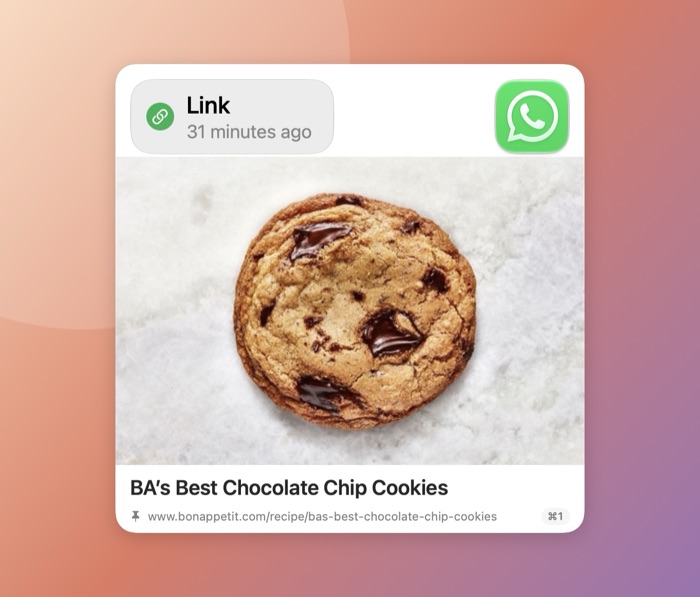
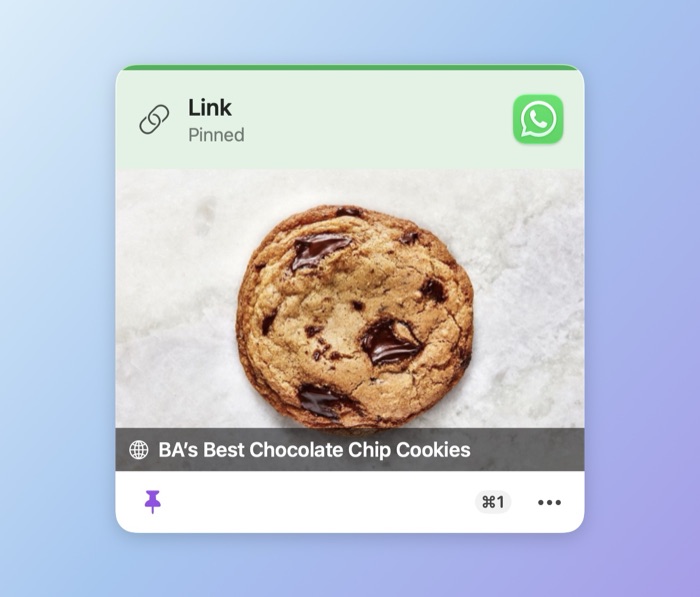
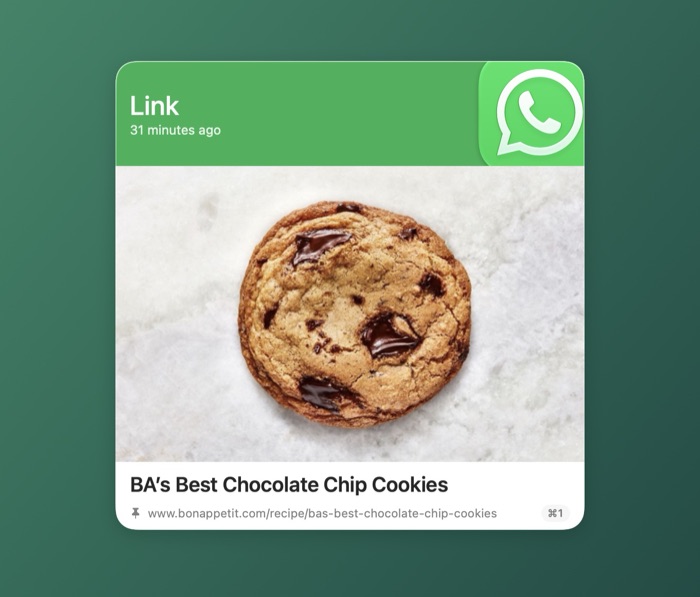
Your latest clips, one click away.
Click KlipLoft in the menu bar, then click a clip to paste it.
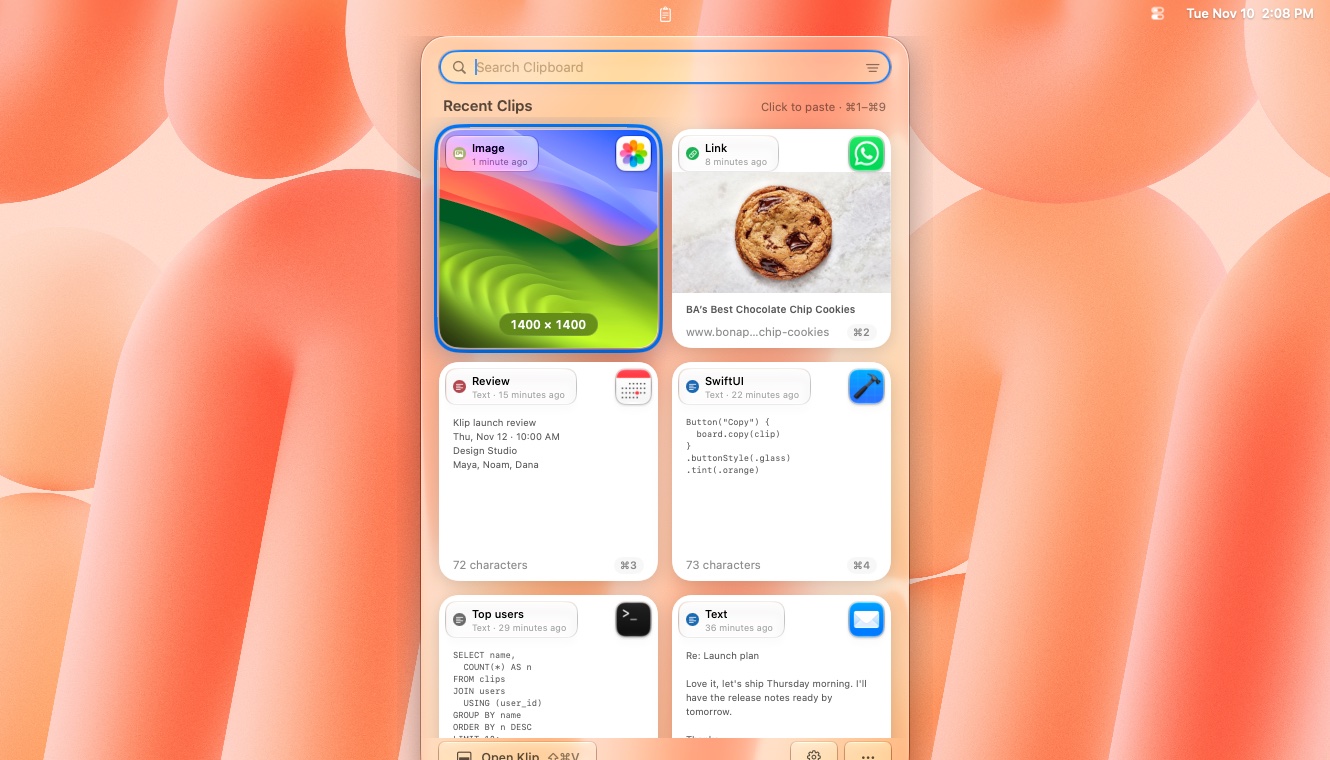
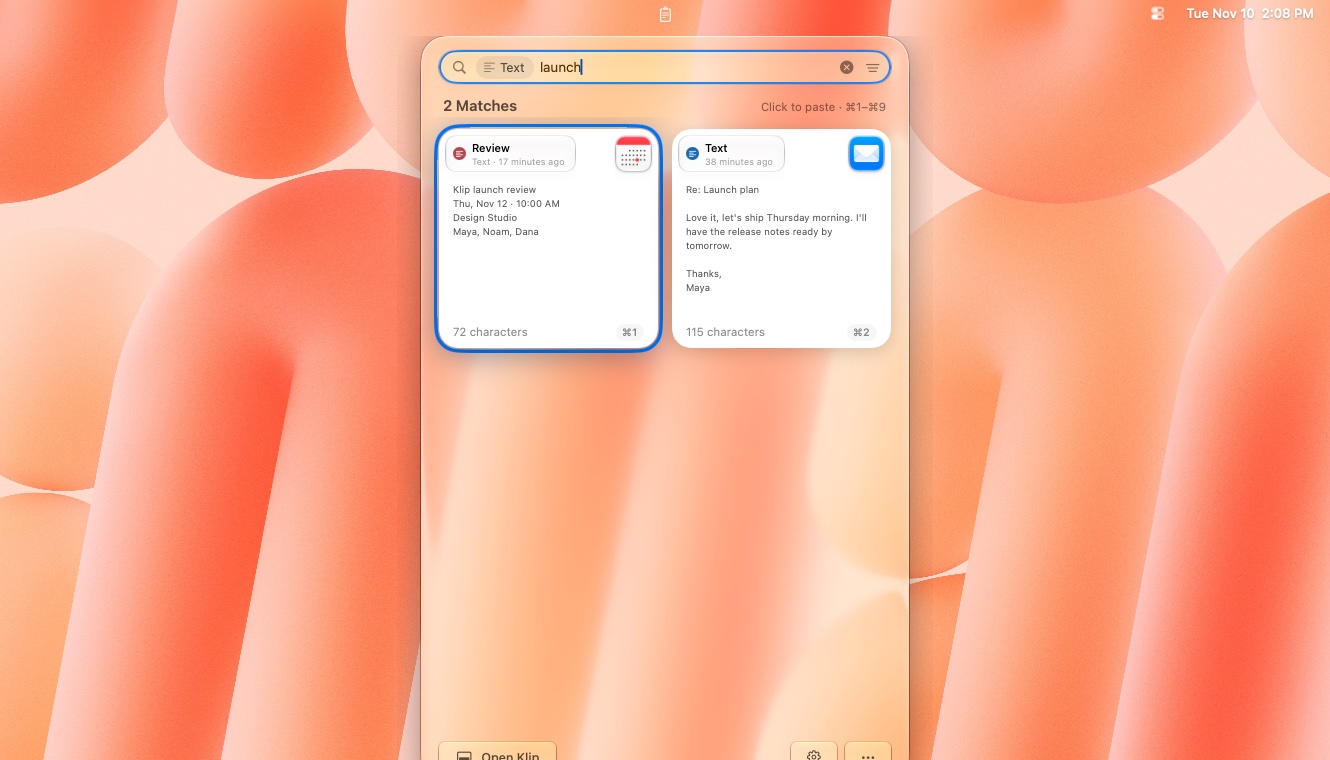
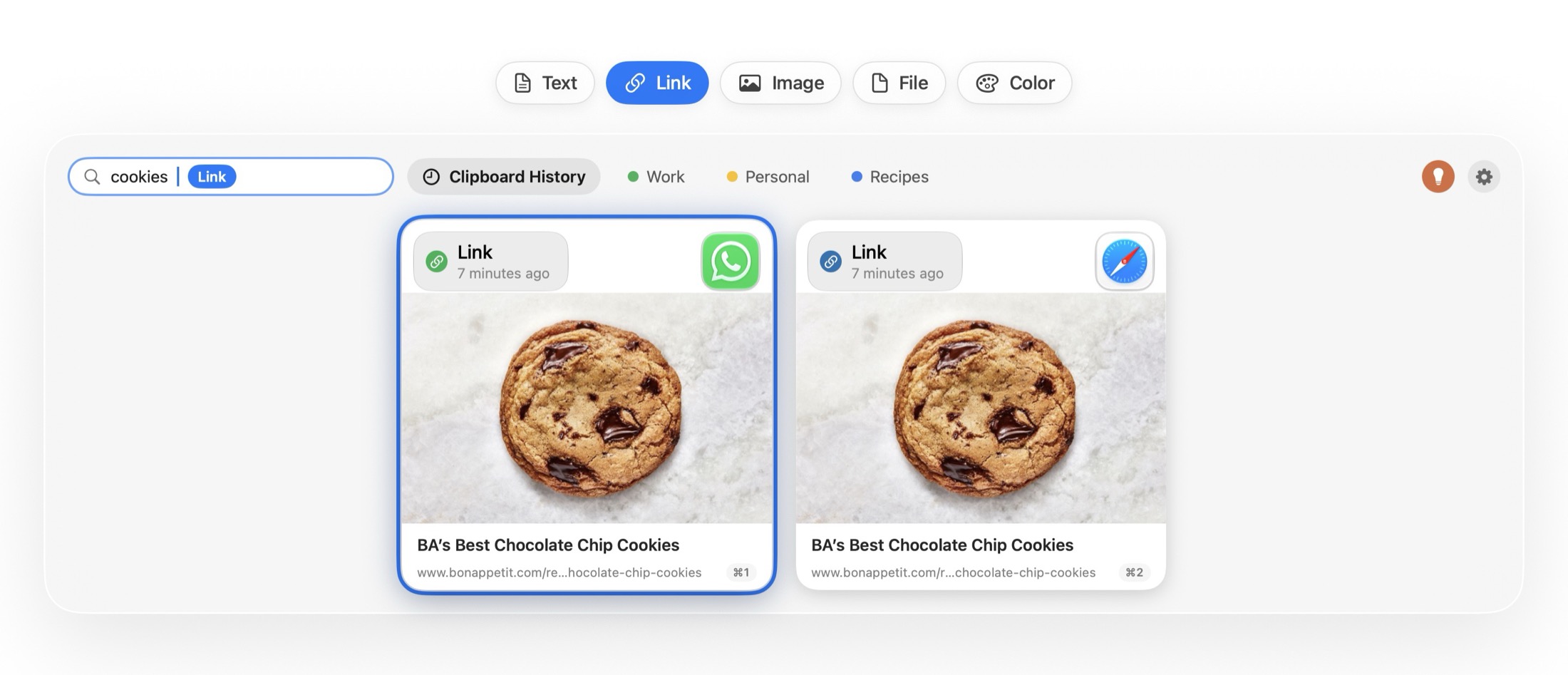
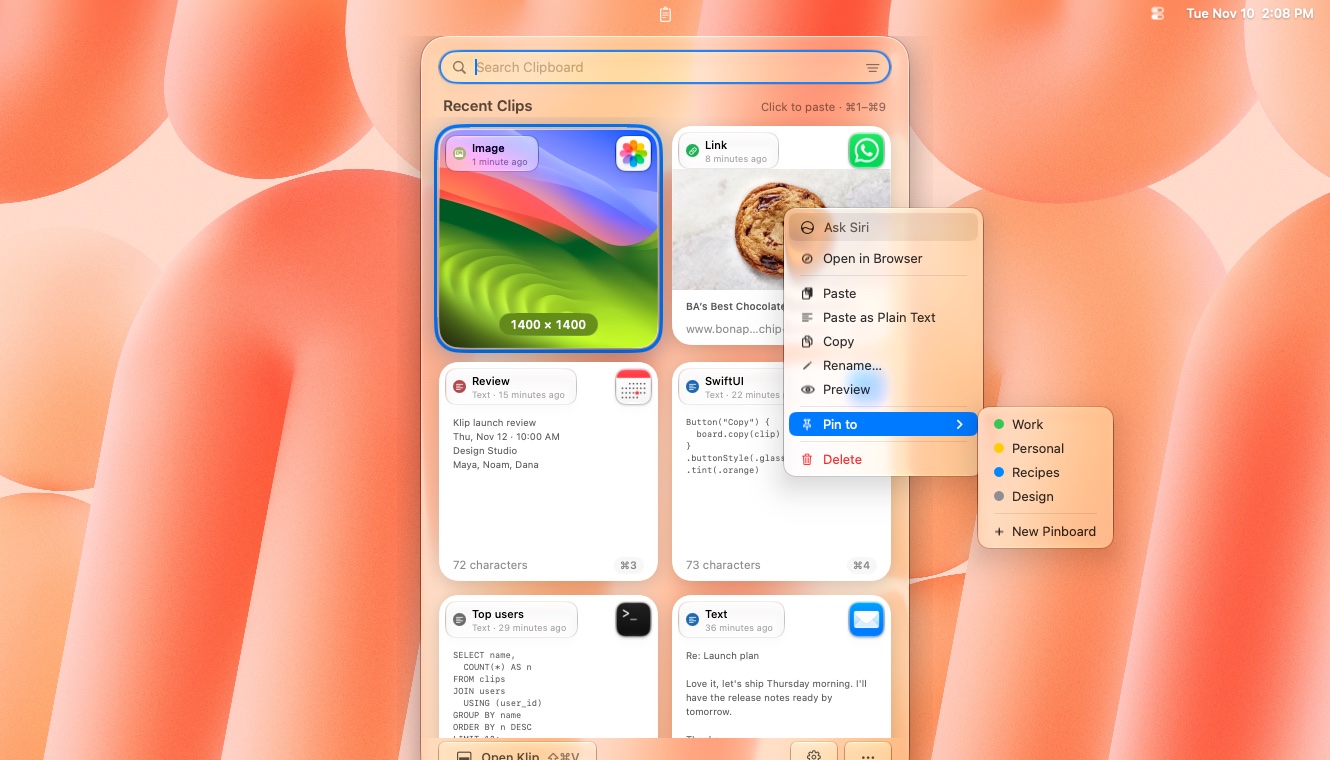
Click KlipLoft’s menu bar icon to see your whole history, newest first. Click a card to paste it, or press ⌘1–⌘9.
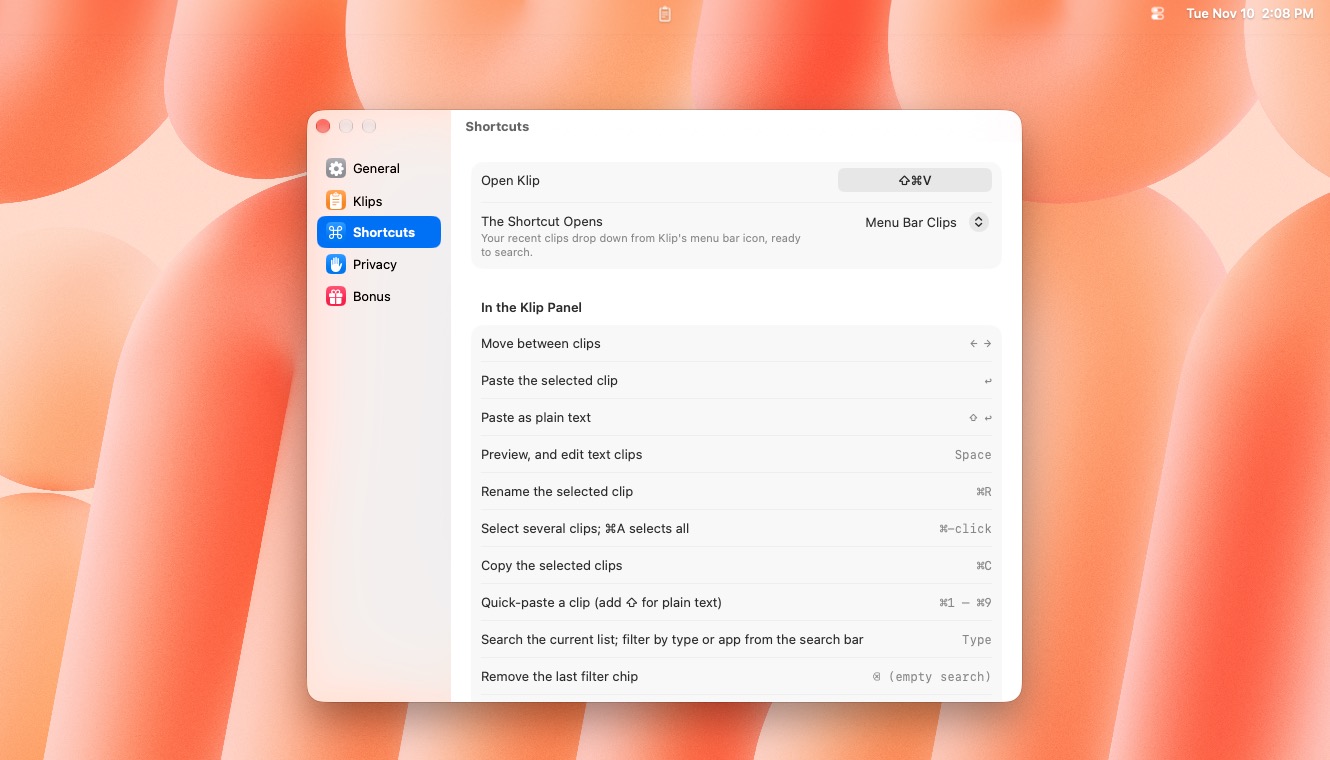
Just start typing: search your whole history, filter by type or app, and get every match. Want ⇧⌘V to open it? Pick Menu Bar Clips in Settings → Shortcuts.
Click the filter button at the right of the search bar and choose Link. It stays as a chip until you clear it.
Click a pinboard tab, or press ⇥, to see only what you pinned there.
Right-click a card to paste it as plain text, preview it, rename it or pin it to a pinboard.
Choose where ⇧⌘V opens. The drawer slides up from the bottom of the screen, or Menu Bar Clips drops your latest clips from the menu bar icon. Change it in Settings → Shortcuts.
KlipLoft. Powered by MCP.
Tell Claude or Cursor what you need, and it lands in KlipLoft as a pinboard, one shortcut away.
Look through our chat and make a pinboard of the things I ask you most.
✓ KlipLoft · create_pinboard
Done. My Usual Asks is in KlipLoft with the five things you ask most, ready to paste anywhere.
No more retyping the same prompts. One sentence builds the whole pinboard.
Every clip is a shortcut away in any app, and syncs to your iPhone.
Share each pinboard read only or read & write. History and API keys stay private.
We take your security seriously.
You copy passwords, keys and private messages every day. KlipLoft is built so they stay yours. For Business & IT review · Privacy policy.
Passwords are never saved
Copies from password managers, Apple’s Passwords app and browser password fillers are skipped automatically.
Skips API keys and tokens
Turn it on and KlipLoft ignores anything that looks like a secret key, such as GitHub, AWS, OpenAI or Stripe keys.
Securely erases deleted clips
Turn it on and a deleted clip’s contents are wiped from storage, not just removed from the list.
Ignore any app
Pick apps KlipLoft should never record from. Keychain Access and Passwords are on the list from the start.
Hidden from screen sharing
One switch keeps KlipLoft’s panel and previews off screen shares and recordings, so only you see your clips.
Stays on your devices
There are no KlipLoft servers. Your history lives on your Mac, iPhone and iPad, and no one else can see it.
Your own private iCloud
Sync uses the private database in your own iCloud account. Even the developer of KlipLoft can’t access it.
No tracking, no accounts
No sign-in, no ads, no analytics and no crash reporters. Your data is never sold or shared.
You stay in control
Choose how long history is kept, delete any clip, or clear the last 24 hours or everything in one go.
In the first week 1,000+ downloads
People switch, and don’t look back.
Free, no account, no subscription. Here’s what people are saying.
I can’t believe I was paying every month for a clipboard manager.
KlipLoft just saved me so much time managing my Airbnb.
The smoothest migration ever.
Bonus features
Five extras I use every day.
Optional extras, all off by default. Turn on the ones you want in Settings → Bonus.
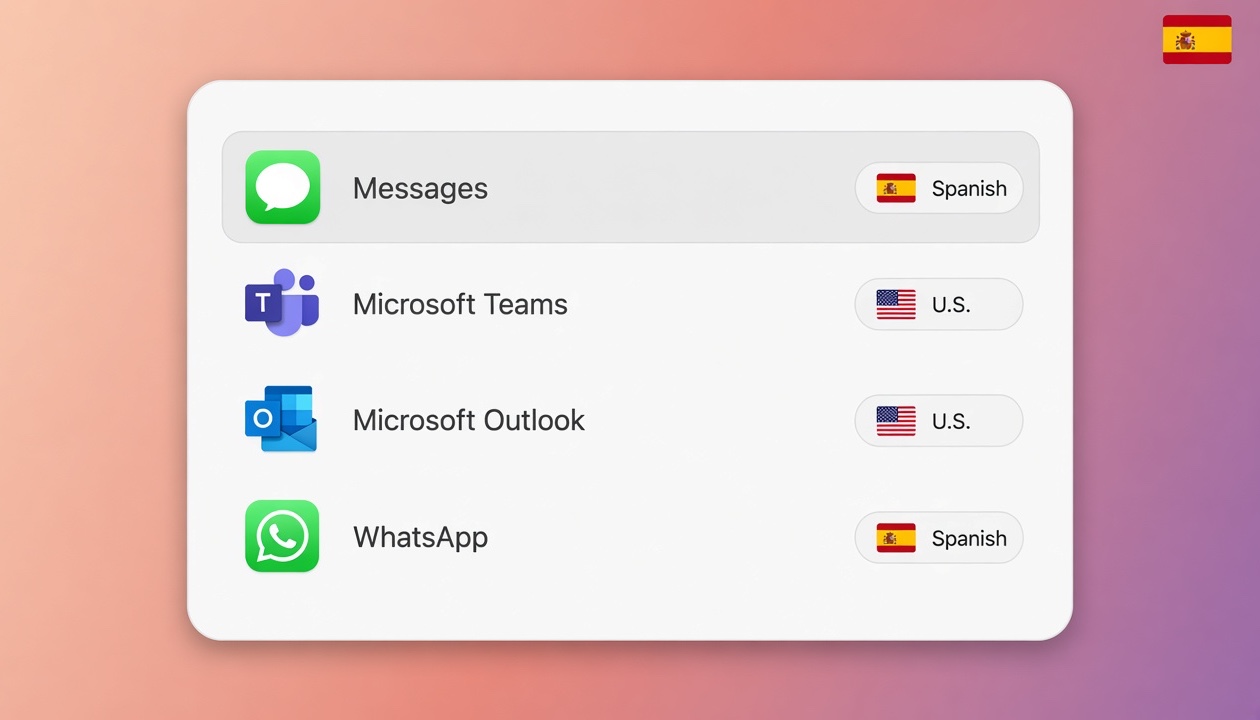
Bilingual? Each app gets its language. Give an app its own keyboard, and KlipLoft switches to it whenever that app comes to the front, with ⌘Tab, the window switcher or a click. Apps you don’t list are left alone, and it needs no permission.Why I use it every day: I write Hebrew in WhatsApp and English in Teams, Outlook and code, and I no longer type a whole line in the wrong language.
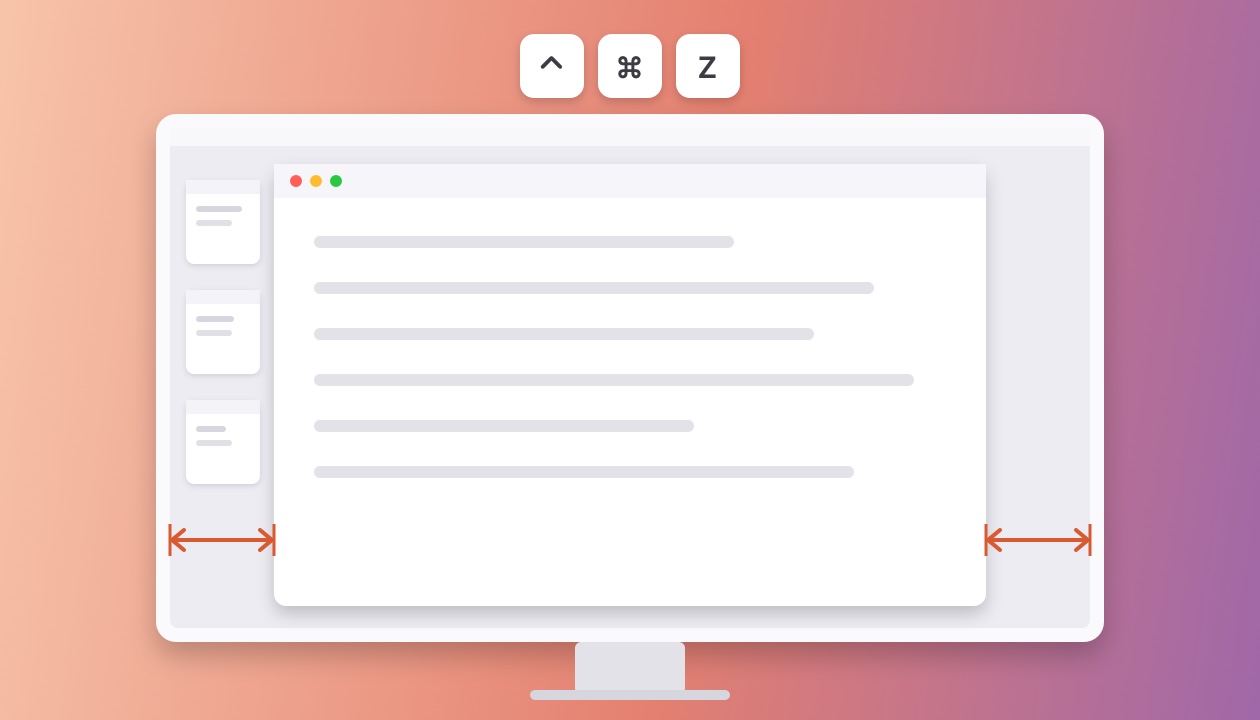
Your favorite size, perfectly centered. Press ⌃⌘Z and the window you’re using takes your favorite size, with the same gap on the left and the right. Each screen and resolution keeps its own size, so it fits whichever display you’re on.Why I use it every day: I like my windows as big as they can be while Stage Manager still shows on the left, and it bugged me that the right side never matched. Now one press centers the window perfectly, on all three of my screens.
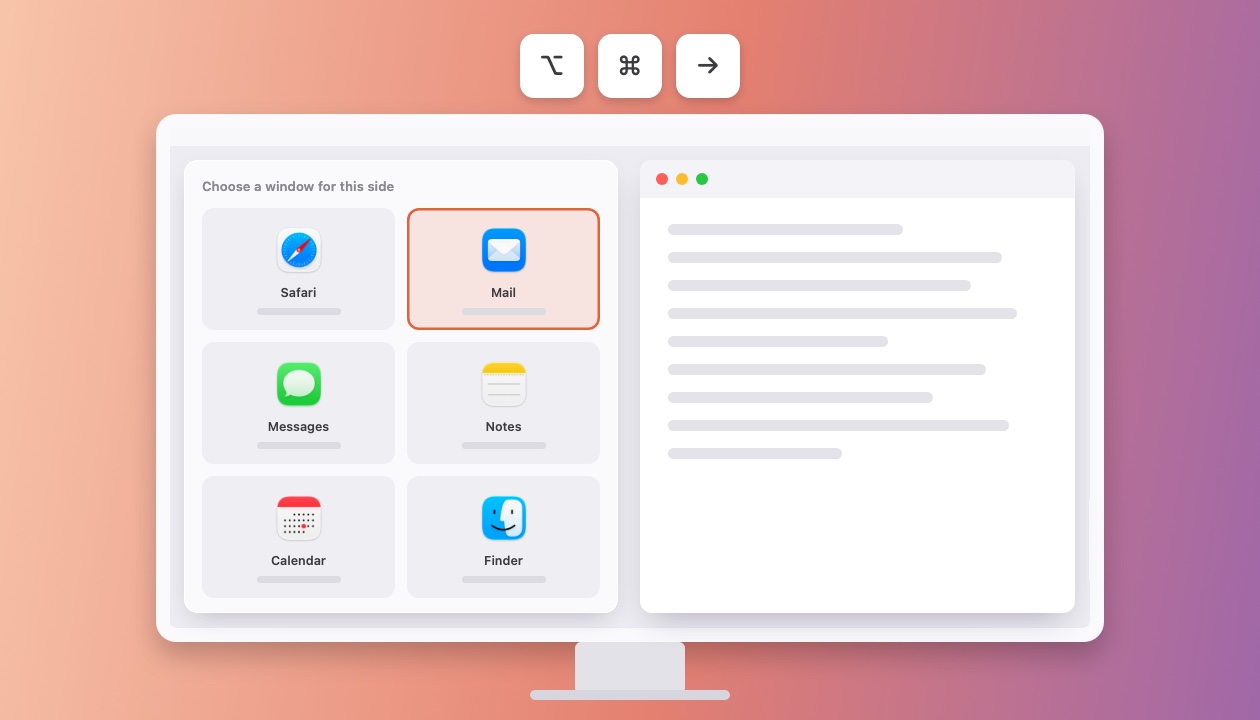
Coming from Windows? Snap is here. Press ⌥⌘← or ⌥⌘→ and the window you’re using fills that half of the screen. The other half shows your other open windows: pick one and it fills the rest, just like Snap on Windows. It asks for no permission.Why I use it every day: code on one side, the browser on the other, set up with one shortcut instead of dragging two windows into place.
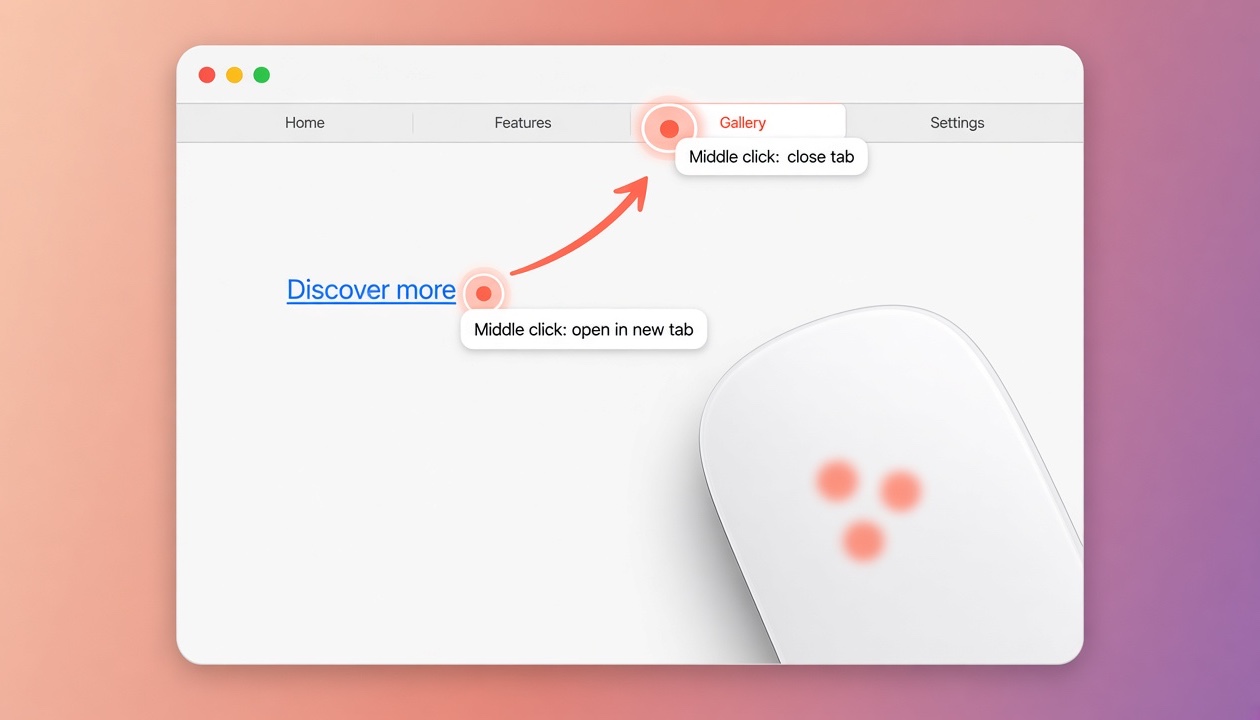
Miss Windows? Middle click is back. Click with three fingers on a Magic Mouse or trackpad to open a link in a new tab, or close a tab, in one click, just like the middle button on a PC mouse.Why I use it every day: I open links in new tabs all day while researching, and closing tabs with one click beats aiming for the tiny ×.
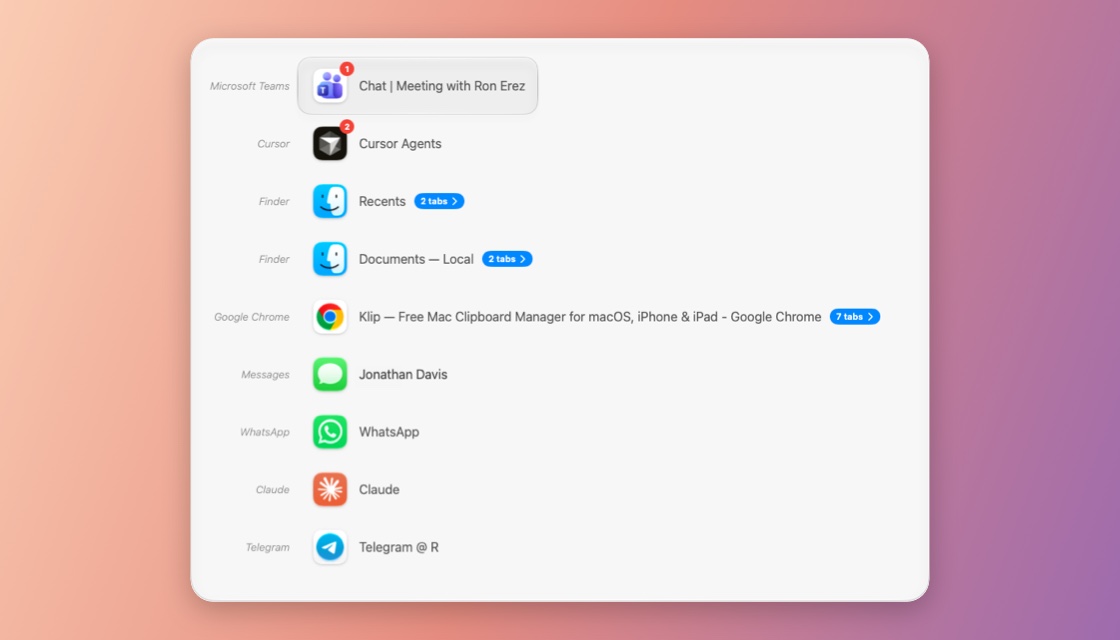
Every window, one shortcut. ⌘Tab only knows apps. Press ⌃1 to see every open window, full screen ones and other desktops too, most recent first, and even jump into a Safari, Chrome or Finder tab.Why I use it every day: with a dozen Chrome windows and Cursor projects open, it’s the fastest way back to the exact window I was in a minute ago.
How KlipLoft compares.
Five places KlipLoft stands out, checked on each app’s own website.
| KlipLoft | Paste | Maccy | Klipto | Clipy | |
|---|---|---|---|---|---|
| Price | Free | $3.99 a month | Free | Pro is $19.99 | Free |
| Full history without paying | Yes | 7-day trial | Yes | Last 100 copies | Yes |
| iPhone and iPad sync | In your iCloud | In your iCloud | No | No | No |
| MCP for Claude and Cursor | Yes | Yes | No | No | No |
| Sizes for each screen | Yes | No | No | No | No |
Coming from Paste or Maccy?
Bring your whole clipboard history to KlipLoft in one click.
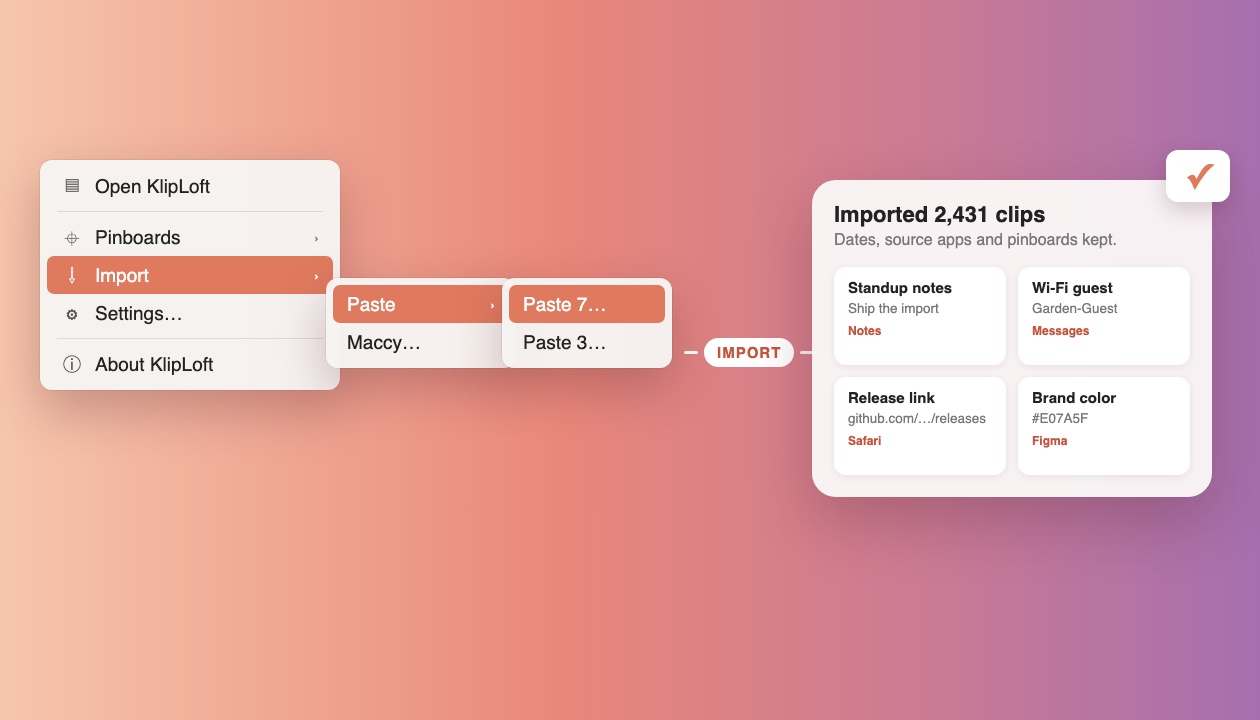
Open KlipLoft’s menu bar menu and choose Import, then Paste or Maccy. For Paste, pick your version.
Your clips keep their dates and the apps they came from. Paste pinboards come along, and Maccy’s pinned clips get a pinboard of their own. Clips already in KlipLoft are skipped.
Paste and Maccy are never changed.
Never lose a copy again.
Download a free clipboard manager for Mac, iPhone, and iPad. No subscription, ever.
brew install --cask ronier83/tap/kliploft